Project ADC-1 Concept Art. I switched off the pencil layer, blended in the colour blocks and did some more detailed painting.


The explorations of an artloader.
Digital Art
Project ADC-1 Concept Art. I switched off the pencil layer, blended in the colour blocks and did some more detailed painting.
Project ADC-1 Concept Art. I’ve blocked in the colours for the Benevolen concept. In Manga Studio, I started with the brush tool and then found that the pen tool lays down colour more evenly – which is what I wanted for blocking in.
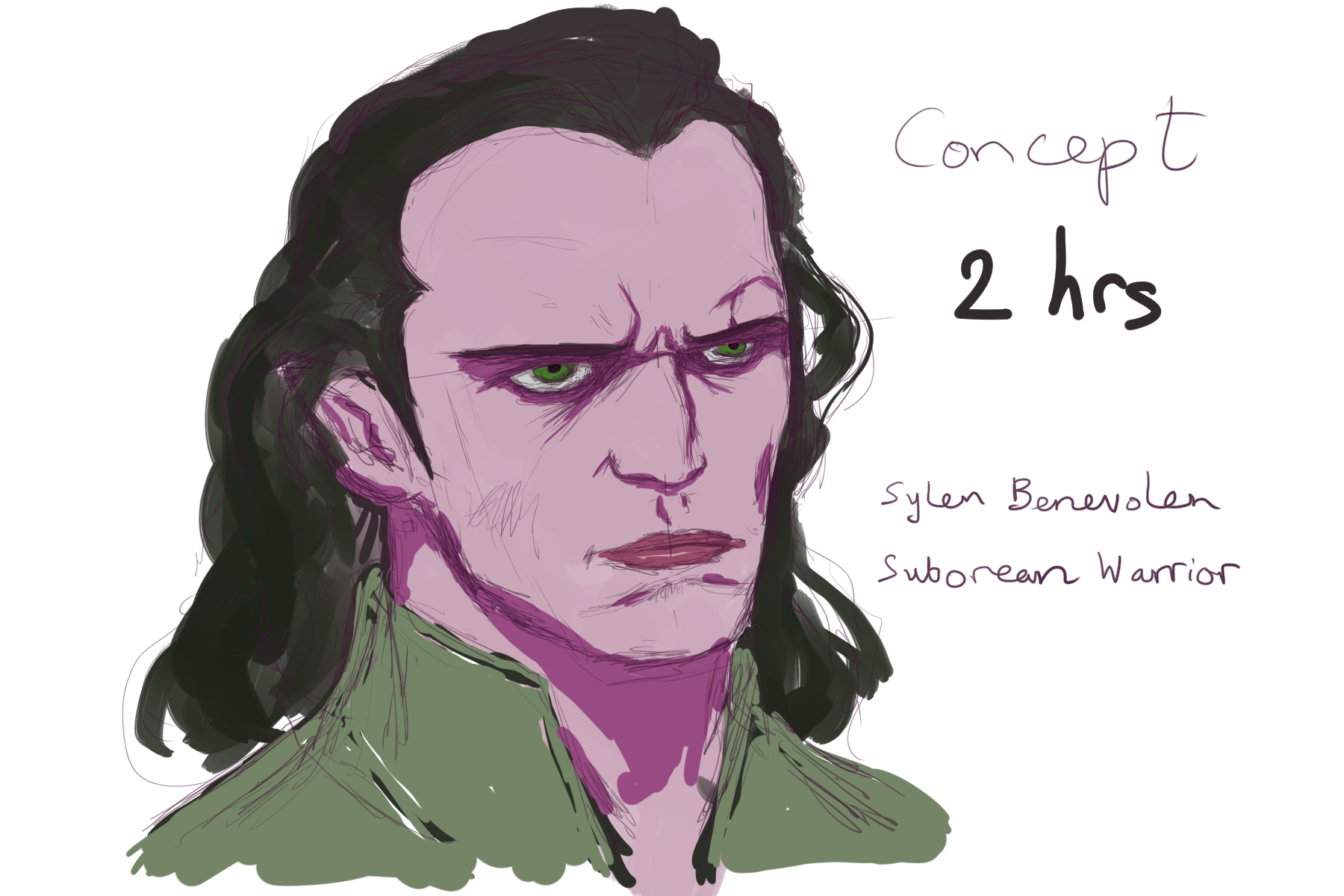
OK here’s a character concept sketch of the main protagonist in my digital comic. Using a reference photo, I worked in Manga Studio 5 with a Wacom graphics tablet. This represents around 40 minutes of sketching for me.

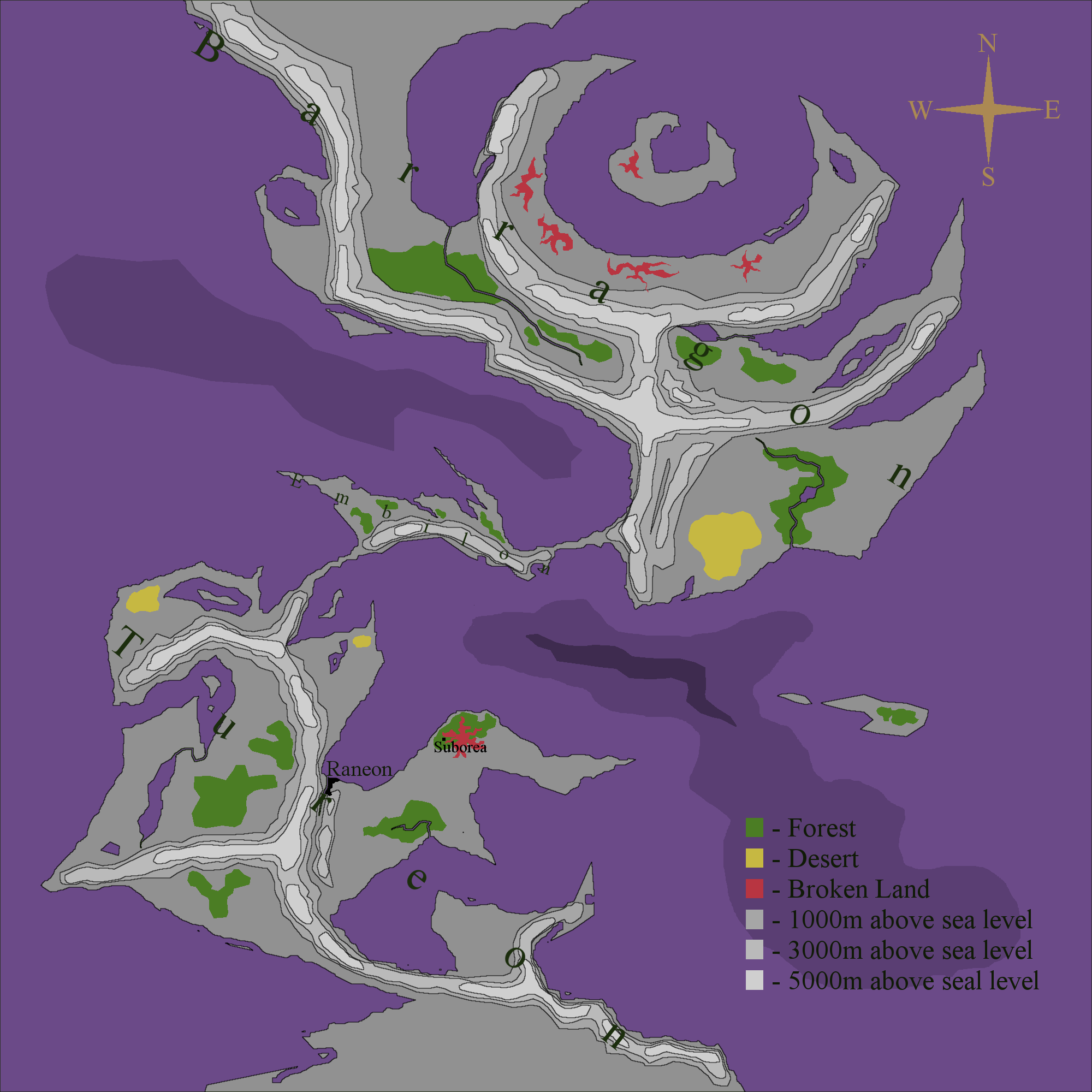
I’ve been fleshing out my fictional world map a little bit more. It now has continent names, a legend and depicts two of the locations for my ADC-1 project (Raneon and Suborea).
For a while now I’ve been aware of Manga Studio – a digital art package that seemed to be more geared towards comics creation than other art packages. I’d even made a mental note to download the trial version and give it a go. However the other day, a friend of mine told me that it was currently on sale with a whopping 70% off the list price!
Anyway I’m now sitting here having just bought the digital download and installed it 🙂
I’ve given it a quick test drive and initial results are exciting! The pressure sensitivity feels really good, the tools I’ve tried give such a beautifully natural result, especially the paint brush – I love the way it smears your colours as if your brush were really running over wet paint – fantastic! That’s £12 well spent right there 🙂 Can’t wait to try more.
I carried on with the painting I started on Thursday. I can’t really call this a speed painting any more because the total time spent on it is now around 2 hours. I’m struggling with his face a bit – the bridge of his nose it too prominent – I think I need to practice on a few more reference photos. On the upside I found a better Gimp setting for the Wacom tablet – I have better pressure sensitivity now 🙂


It’s been a couple of weeks since I last took the Wacom out for a spin so I thought I’d do a 25 minute speed painting in Gimp. I’ve always drawn onto a white canvas in the past but this time I thought I try painting onto a black canvas – I think it adds a certain moodiness.
I’ve been going round in circles with my fictional world map and in the end have decided to simplify a little. Bump mapping wasn’t really in tune with the feel I wanted so I took that off, added some contour type areas and some text. I don’t think the text is quite right so I will tweak that a bit, add a border and other embellishments.

I’m still working on a world map for my digital comic. I’ve re-done the mountain bases to run along tectonic fault lines and also added a grain effect bump map to the land masses (thanks Phil).
I’m in the middle of a wrestling match with Gimp to generate the mountain ridges that I want but I’m not winning at the moment.
Anyway here’s what I have so far:

My new pals at Gimp Chat gave some valuable feedback about the location of my mountains – they are rarely at the centre of land masses and should be determined by the location of tectonic plates.
So I’ve gone back to the drawing board and decided where my tectonic plates are going to be:

I can now see where my mountains should go 🙂