More eComic Concept Art. I’m doing a full length concept of Sylen Benevolen now but I’m having a real battle with his legs. I’ve redrawn them about 4 times, hence the time spent is now at 3 hours for this.


The explorations of an artloader.
More eComic Concept Art. I’m doing a full length concept of Sylen Benevolen now but I’m having a real battle with his legs. I’ve redrawn them about 4 times, hence the time spent is now at 3 hours for this.
Project ADC-1 Concept Art. Did some fine tuning, added a speech bubble and added a background. I will leave this painting now and move on.

Project ADC-1 Concept Art. I switched off the pencil layer, blended in the colour blocks and did some more detailed painting.

Project ADC-1 Concept Art. I’ve blocked in the colours for the Benevolen concept. In Manga Studio, I started with the brush tool and then found that the pen tool lays down colour more evenly – which is what I wanted for blocking in.
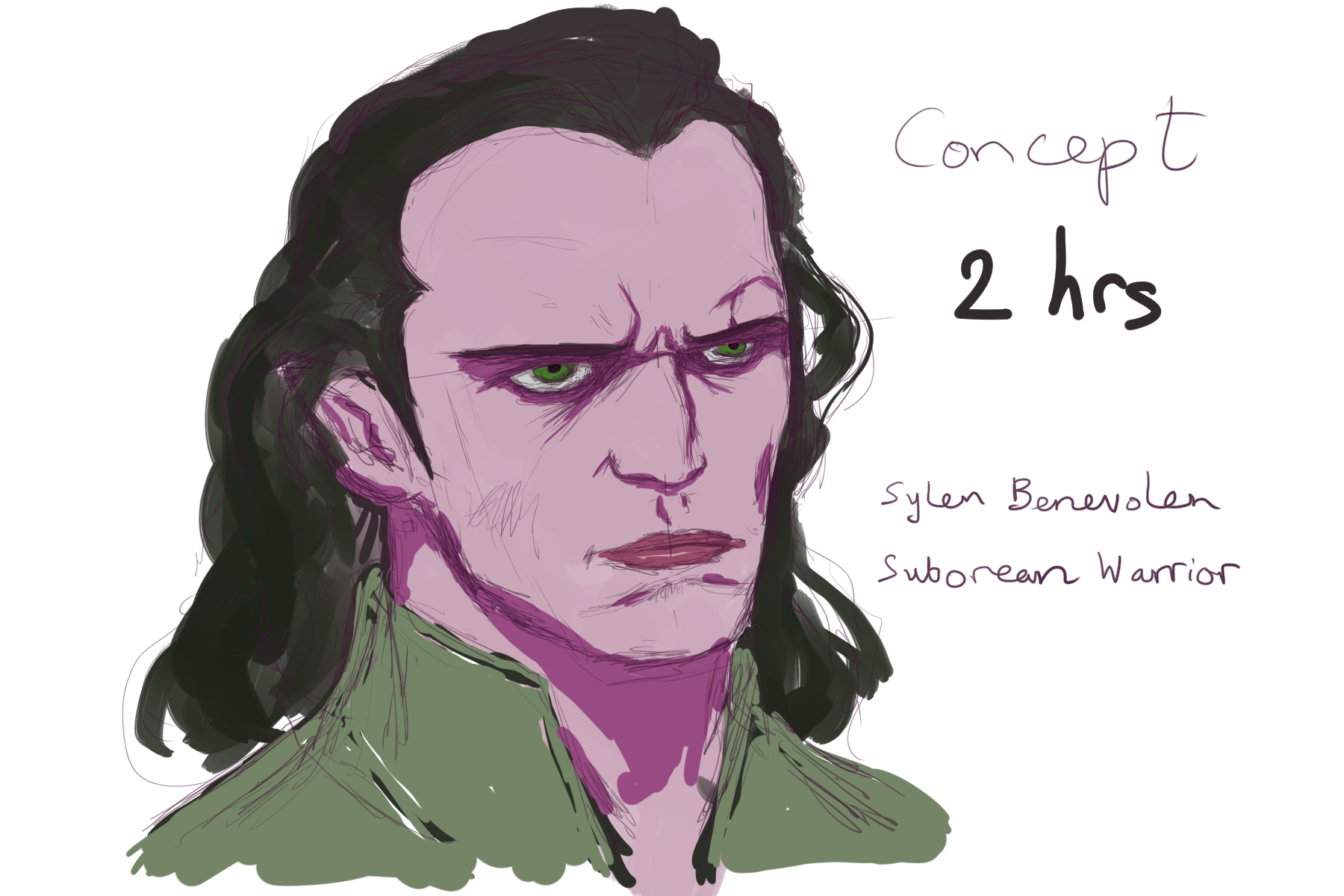
I carried on with the painting I started on Thursday. I can’t really call this a speed painting any more because the total time spent on it is now around 2 hours. I’m struggling with his face a bit – the bridge of his nose it too prominent – I think I need to practice on a few more reference photos. On the upside I found a better Gimp setting for the Wacom tablet – I have better pressure sensitivity now 🙂


It’s been a couple of weeks since I last took the Wacom out for a spin so I thought I’d do a 25 minute speed painting in Gimp. I’ve always drawn onto a white canvas in the past but this time I thought I try painting onto a black canvas – I think it adds a certain moodiness.
I’ve been thinking of transitioning from painting with a mouse to a graphics tablet for a while now so I’ve just borrowed my brothers 6 x 8 inch graphics tablet 🙂
It’s a serious bit of kit and originally cost probably 4 times what I was intending to spend on a graphics tablet myself. Only problem was he’d lost the CD so I had to download the drivers off the internet.
I’ve written an article about the process in case anyone else has the same problem: Setting Up A Wacom Intuos3 Without The CD.
Now I can get on and see what all the fuss is about with graphics tablets …